Hosting in one click
Connect a repository and go live. Any stack works. Archon runs it for you.
Agents, teams and apps
Several agents and your whole team build, ship and run apps in one place. When something breaks, Archon fixes it within the permissions and policy you set.
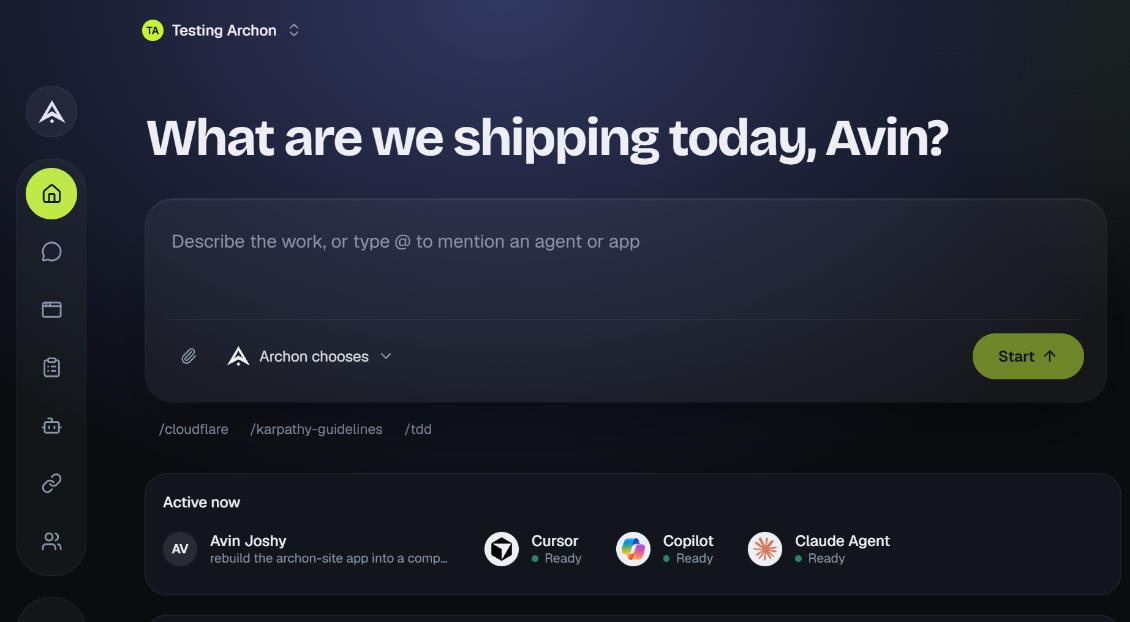
Product
Connect a repository and go live. Any stack works. Archon runs it for you.
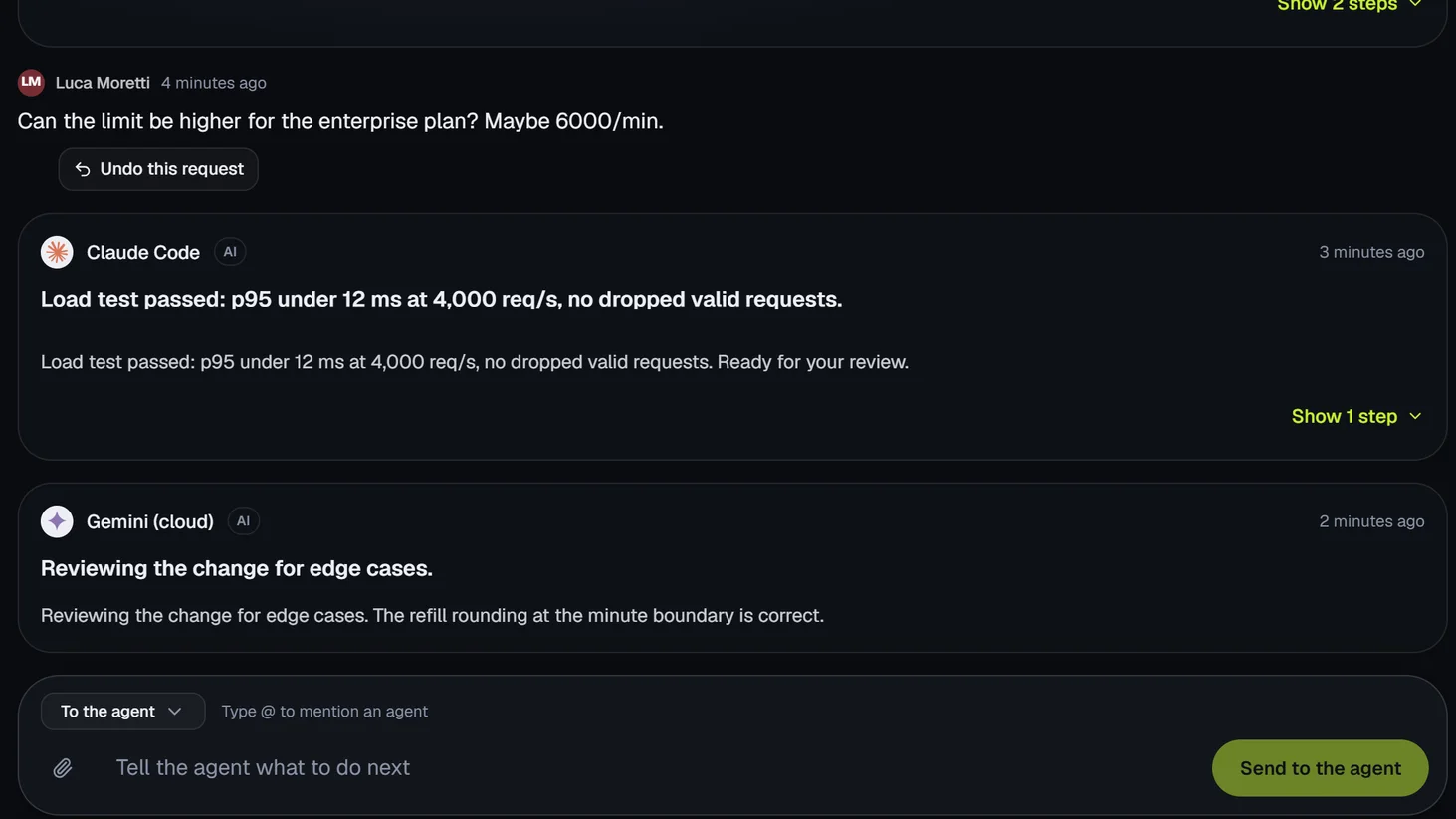
People and agents work in the same session. Everyone sees each step as it happens.
Plan the work in one place. Assign tasks to a teammate or an agent.
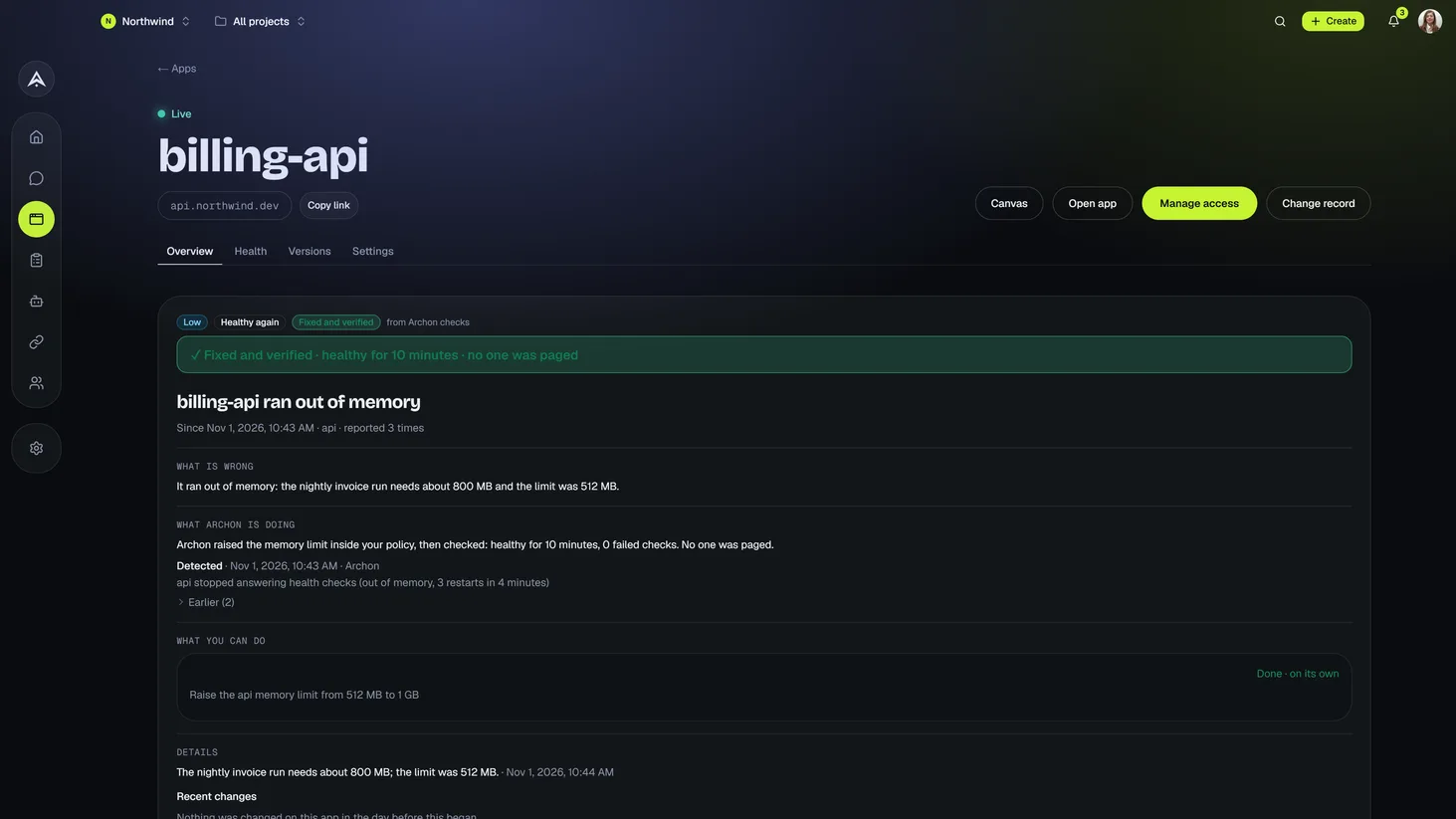
Every app is watched, so a problem is caught when it starts and handed straight to self-healing.
Archon applies the fix, checks that it held and rolls back if things get worse. Your policy sets the limits.
See each change live before it ships.
Agents
Use the agents you already have, or start new ones. Several can work on the same goal, alongside your team. Agents act with your access, never more.
On your device
Connect an agent that runs on your own machine.
In the cloud
Start an agent that runs in Archon.
By role
Give an agent a job, such as reviewer or tester.
Hand-offs
Pass work between agents and people with a short brief.
Self-healing
Archon finds the cause, applies the fix and checks that it held. If things get worse, it rolls back. You read what happened afterwards.
Your policy
Choose which fixes run on their own, in which environments.
Your limits
Set fixes per hour and per incident, and change freezes. Pause it at any time.
Protected apps
In protected environments, fixes wait for a person until an admin allows them.
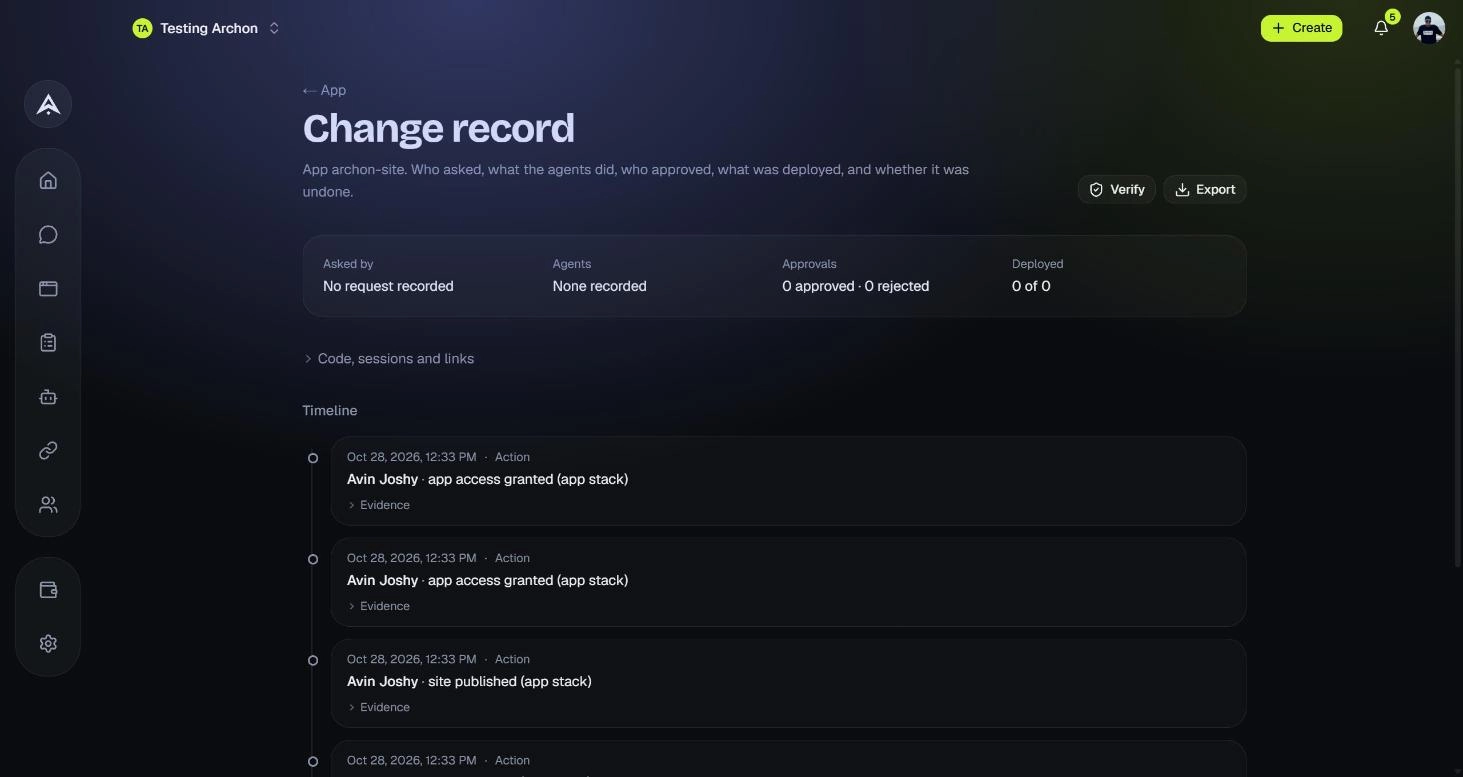
Full record
See what broke, what ran and whether it held.
How it works
Write what you need. Mention the agents or apps involved.
Several agents and your teammates work in one session.
Check the preview. A person approves anything sensitive.
Deploy in one click. If a problem appears, Archon heals it inside your policy.
Integrations
Connect your code, chat and tickets. Agents can use them too.
Security
Self-healing runs only as far as your permissions and policy allow. Everything beyond that waits for a person.
Pricing
Free
$0
1 app
Start freePro
$20/mo
5 apps
Choose ProTeam
from $199/mo
25 apps, with single sign-on, SCIM, audit log export, a year of audit history and priority support
Talk to usEnterprise
Custom
Unlimited apps, custom policies, an uptime promise and a dedicated contact
Talk to usFixes run on their own on Pro, Team and Enterprise. On Free, each fix runs after one click. Rollbacks are always free.